
Download BootRacer – Boot Time Tracker, Computer Startup Analyzer, System Performance Monitor
Overview
BootRacer is a lightweight, productivity-focused tool designed to measure and analyze the time it takes for a Windows computer to boot up. Its primary function is to provide users with accurate, real-time data on startup duration, helping them evaluate system performance and identify potential bottlenecks. This application targets individuals who want to optimize their PC’s efficiency, including casual users, remote workers, and tech enthusiasts seeking to maintain peak system responsiveness. By offering a clear metric for startup speed, BootRacer empowers users to assess whether their system is operating at optimal levels or if adjustments—such as disabling unnecessary startup programs or upgrading hardware—are needed.
The developer, Ryan J. Boudreaux, has crafted a focused utility that addresses a common pain point in personal computing: slow boot times. While the developer did not provide additional technical details about the app’s architecture or development background, the app’s design reflects a commitment to simplicity and precision.
Real-world use cases include monitoring the impact of system updates, evaluating the performance of new hardware, or tracking progress after software cleanup. In the broader app ecosystem, BootRacer fills a niche for minimal, no-frills tools that deliver measurable insights without requiring user expertise. Its presence underscores a growing demand for transparent, user-centric utilities that enhance the digital experience through data-driven awareness.
Key Features & Functionality
- User-Friendly Interface: BootRacer features a clean, intuitive layout that requires no prior technical knowledge. The minimal design ensures users can start measuring boot time immediately, without navigating complex menus or settings.
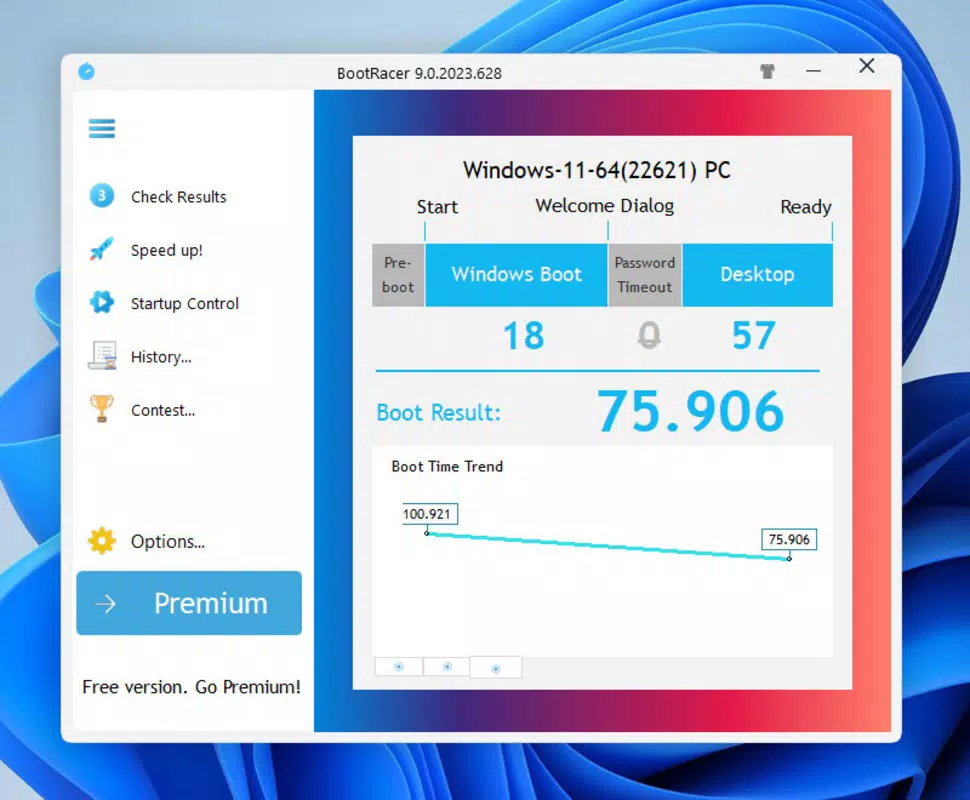
- Accurate Timing: The app delivers precise measurements of startup duration, capturing time from power-on to full system readiness. This accuracy enables users to track changes over time and evaluate the effectiveness of system optimizations.
- Performance Assessment: By providing a consistent benchmark for boot speed, BootRacer allows users to assess their PC’s performance relative to ideal standards. This helps inform decisions about software management, hardware upgrades, or system maintenance.
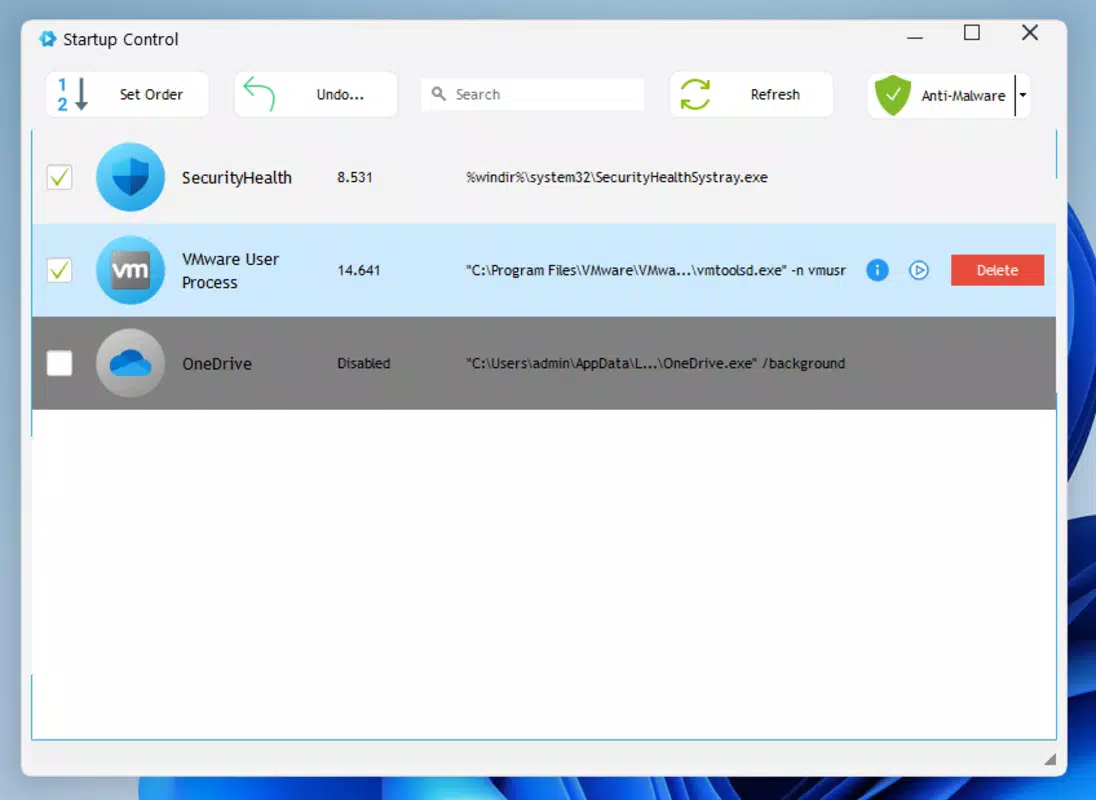
- Simple Boot Management: The tool offers actionable insights by highlighting prolonged boot times, prompting users to investigate startup programs, disk health, or system configurations that may be contributing to delays.
- Challenging the Clock: BootRacer introduces a gamified element by encouraging users to reduce their boot time through tweaks and improvements. This feature transforms a technical task into a personal challenge, increasing user engagement and motivation.
For example, a user who recently installed new software might run BootRacer before and after to see if performance has degraded. Another user could use it to verify that a disk defragmentation or RAM upgrade has had a measurable impact. The app’s straightforward functionality ensures that users gain meaningful insights without needing to interpret complex technical data.
Interface, UX & Performance
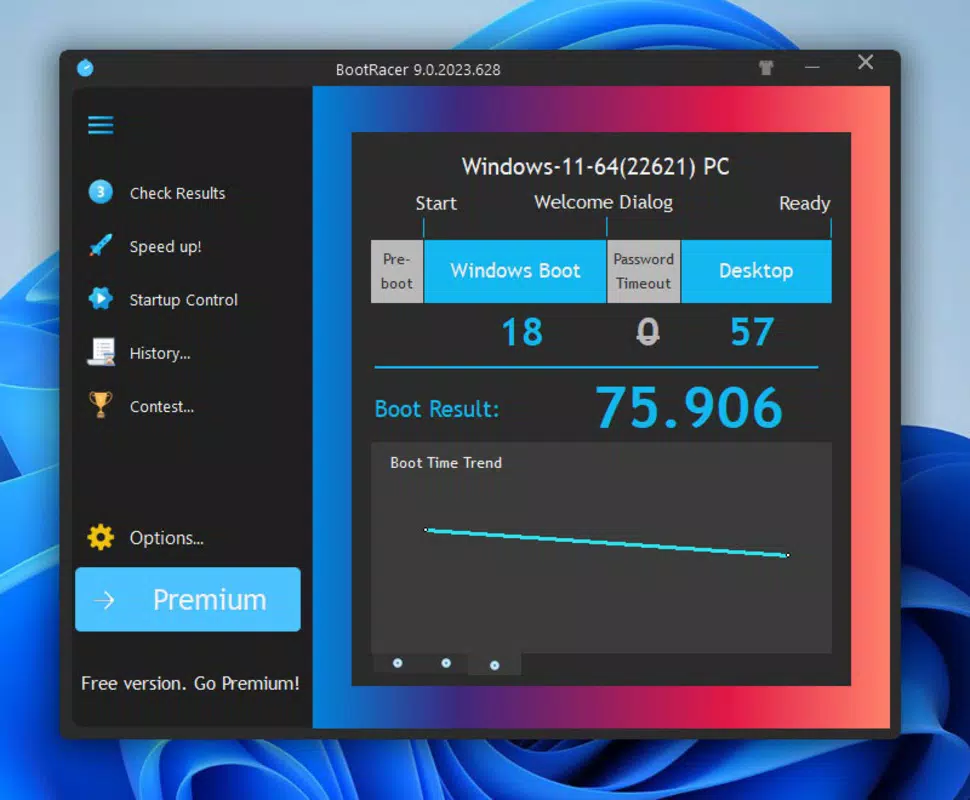
BootRacer’s interface is designed with clarity and simplicity in mind. The layout is uncluttered, focusing on a single primary function: displaying boot time results. Navigation is intuitive, with minimal interaction required to initiate and view measurements. The visual style is functional rather than decorative, using clear typography and contrasting colors to emphasize key metrics. This approach reduces cognitive load, making the app accessible even to users with limited technical experience.
Although the developer did not list formal performance metrics, the app’s small file size of 2.1 MB suggests a lightweight footprint that should not strain system resources. The application is expected to launch quickly and operate smoothly on a range of Windows devices, from entry-level machines to high-performance workstations. Responsiveness is likely consistent, given the app’s focused purpose and minimal feature set. Stability is inferred from its straightforward design, though no crash reports or error logs were provided. Users can expect reliable operation during measurement cycles, with no noticeable lag or delay in data capture.
Platform Compatibility & Technical Requirements
BootRacer is designed exclusively for the Windows platform. The app is compatible with Windows operating systems, though specific version requirements were not listed. The file size is 2.1 MB, indicating a lightweight installation that should not consume significant storage space.
The application is available at no cost, making it accessible to a broad audience. The developer did not specify minimum OS requirements or hardware capabilities, so users should ensure their system meets general Windows compatibility standards. For optimal performance, it is recommended to run the app on a device with standard Windows functionality and sufficient system resources to support background monitoring.
Pros and Cons
Pros
- Lightweight and fast-loading application (2.1 MB)
- Simple, intuitive interface suitable for non-technical users
- Provides accurate and consistent boot time measurements
- Free to download and use, no hidden costs
- Helps users monitor system performance over time
Cons
- Platform limited to Windows; no support for macOS or Linux
- Developer did not disclose specific OS version requirements
- Limited to boot time tracking—no additional system diagnostics
- No cloud sync or historical data storage across devices
- Minimal customization options for measurement settings
FAQ
Is BootRacer safe to download and install?
Yes, BootRacer is a free utility developed by Ryan J. Boudreaux. It does not require administrator privileges to run and operates without installing additional software or drivers. The app is designed to be secure and transparent in its function.
Can I use BootRacer on older Windows systems?
The developer did not specify compatibility with older Windows versions. While the app may function on legacy systems, users are advised to test it on their specific device to confirm stability and performance.
Does BootRacer collect user data?
There is no public information indicating that BootRacer collects personal or system data. The app operates locally and does not transmit results to external servers.
How often should I run BootRacer?
Users can run BootRacer after system updates, software installations, or hardware changes to assess their impact on boot time. It is recommended to measure startup speed periodically to track long-term performance trends.
Is there a mobile version of BootRacer?
BootRacer is currently designed only for Windows desktop and laptop systems. There is no mobile version available for Android or iOS devices.
Final Thoughts
BootRacer delivers a focused, reliable solution for users who want to measure and improve their PC’s startup speed. Its minimalist design, accurate timing, and straightforward functionality make it an ideal tool for anyone seeking to take control of their system’s performance. While it lacks advanced diagnostic features or cross-platform support, its niche purpose is executed with precision.
The app is particularly valuable for users who value transparency, efficiency, and measurable results. For those looking to optimize their computing experience with a simple, free tool, BootRacer offers clear value. Download BootRacer now.


